
Query Blocks
Inserts a blocks, that contain a certain tag
Example:
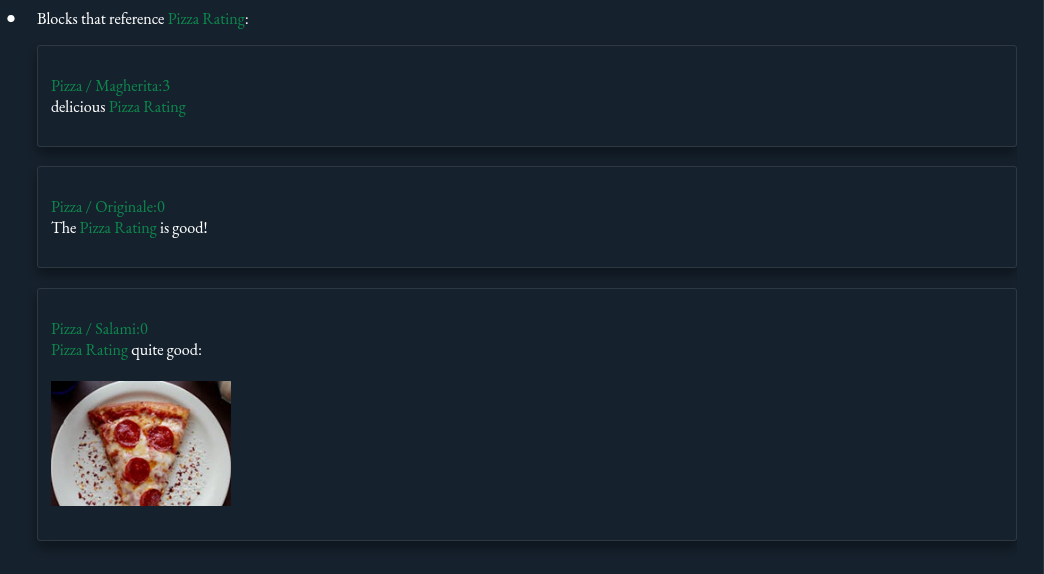
{query: blocks tag:"Pizza Rating" display:"cards" }
Configuration parameters
| Parameter | Description |
|---|---|
| tag | Tag of the blocks to be considered for the query. |
| display | Display type of the selected blocks. Possible values: card, paragraphs, inplace-list, referenced-list, count. |
Display-types
card
Creates a card for every matching block int the markdown. The filename and block-index is rendered at the top of the card (and link), the content of the block is rendered in the body of the card.
Query:
{query: blocks tag:"Pizza Rating" display:"cards" }
Result:
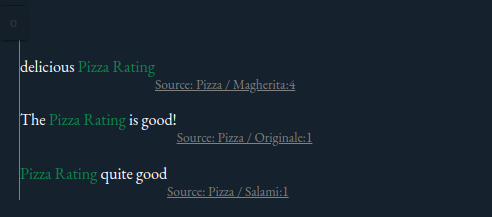
paragraphs
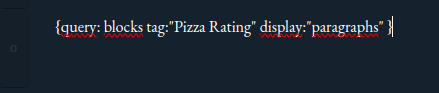
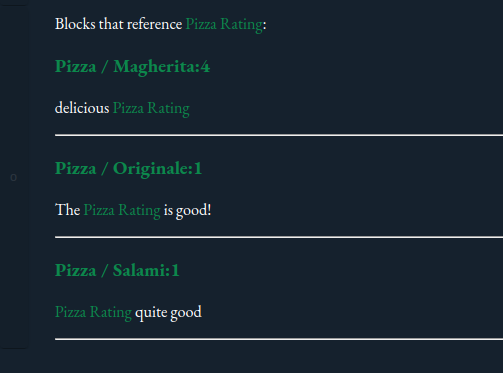
Creates a section for every matching block in the markdown. The filename and block-index is rendered as headline (and link), the content of the block is rendered as paragraph. Paragraphs are separated by a horizontal line. Good for multi-line blocks
Query
Result
inplace-list
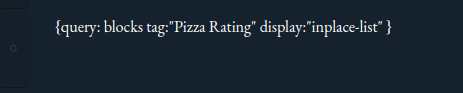
Creates a list of the selected blocks in the markdown-block. Each item is prefixed with a list-icon. Best suited for single-line blocks.
Query
Result

referenced-list
Creates a list of the selected blocks at the end of the current block. Each item contains a link to the source file. Different query-results can be stacked. Good for multi-line blocks
Query

Result
count
Creates a number of the selected blocks in the markdown-block.